OwnCrypto App User Guide
This guide explains the main features of the OwnCrypto app and helps you understand how to manage your account, assets, and settings.
Sign In
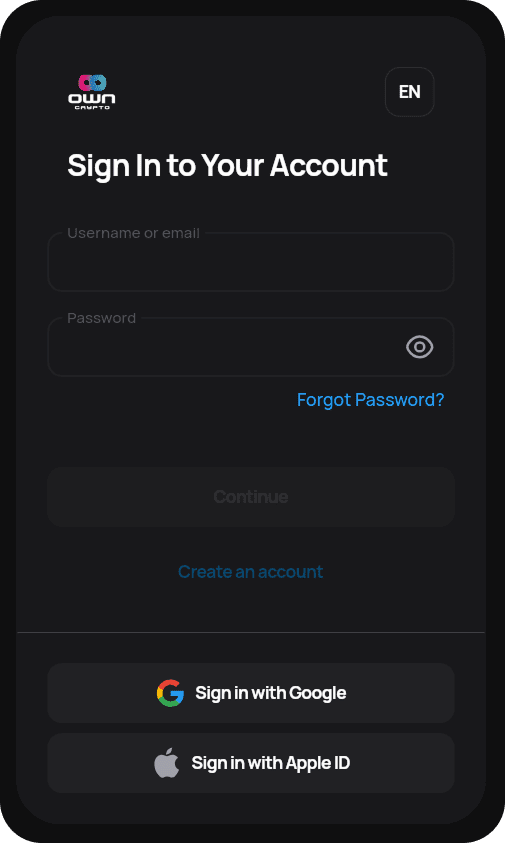
The sign-in screen allows you to securely access your OwnCrypto account using your credentials or supported third-party services.
Sign in with Email or Username
- Enter your username or email address.
- Enter your password.
- Select Continue to access your account.
Forgot Password
If you forget your password, you can reset it directly from the app.
- Select Forgot Password?.
- Follow the instructions sent to your recovery email.
Social Sign-In
For faster access, you can sign in using supported external accounts.
- Sign in with Google
- Sign in with Apple ID
Create an Account
New users can create an OwnCrypto account directly from the sign-in screen.
- Select Create an account.
- Complete the registration steps to start using the app.
Home Dashboard
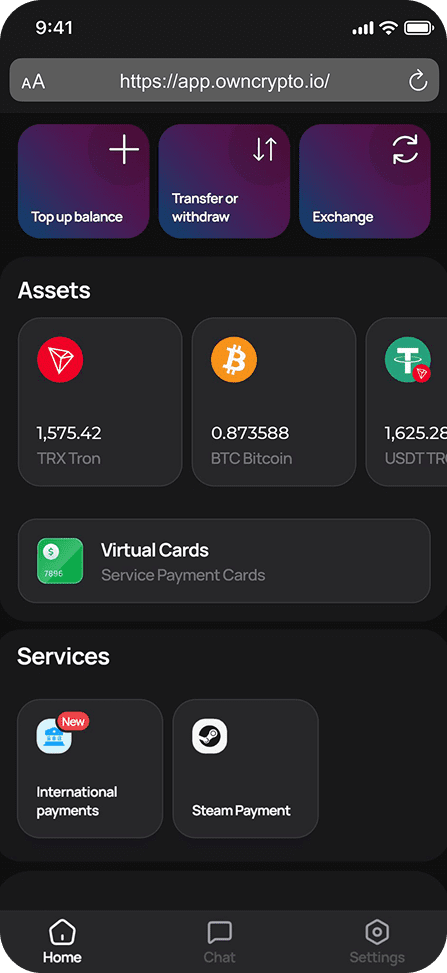
The Home dashboard provides an overview of your account, including balances, assets, and quick actions.
Quick Actions
Quick actions allow you to perform common tasks with minimal steps.
- Top up balance – Add funds to your account.
- Transfer or withdraw – Send funds or withdraw to an external wallet.
- Exchange – Swap between supported cryptocurrencies.
Assets
The Assets section displays your current cryptocurrency holdings.
- TRX (Tron)
- BTC (Bitcoin)
- USDT
Select any asset to view more details or perform actions related to that currency.
Virtual Cards
Virtual Cards allow you to make online payments and pay for supported services directly from your OwnCrypto balance.
Services
The Services section provides access to additional payment features.
- International Payments – Send payments across borders.
- Steam Payment – Pay for Steam products and services.
Settings
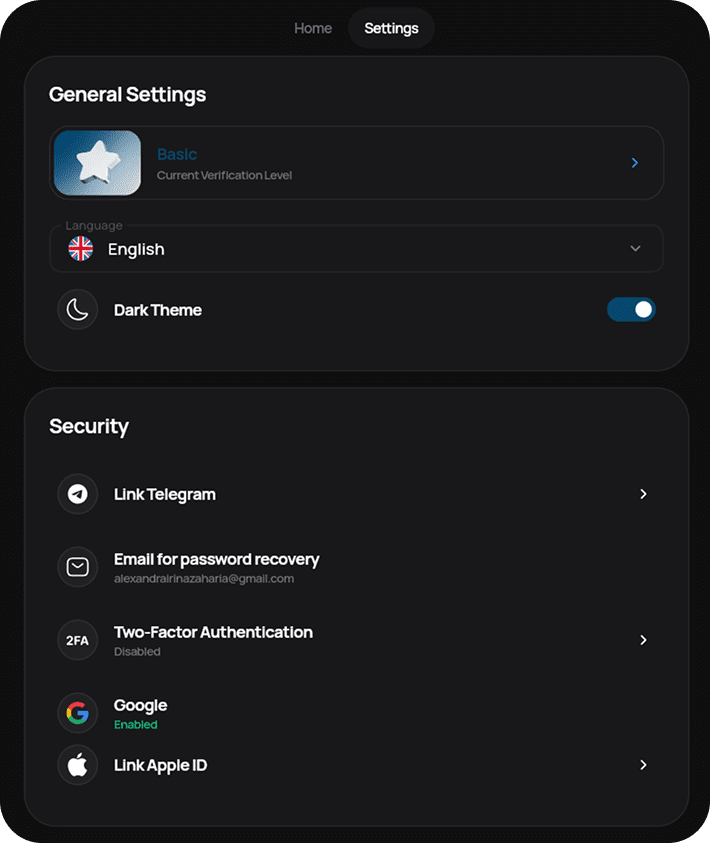
The Settings screen allows you to manage your account preferences, security options, and verification status.
General Settings
Verification Level
This section shows your current account verification level. Higher verification levels may unlock additional features.
Language
Select your preferred app language. The interface updates automatically after selection.
Dark Theme
Enable or disable Dark Theme to adjust the app’s appearance based on your preference.
Security
Link Telegram
Link your Telegram account to receive notifications and enhance account security.
Email for Password Recovery
This email address is used to recover access to your account if you forget your password.
Two-Factor Authentication (2FA)
Two-Factor Authentication adds an extra layer of security to your account. When enabled, you will be required to confirm sign-ins using a second method.
Google Sign-In
This setting shows whether Google sign-in is enabled for your account and allows you to manage connected login methods.
Need Help?
If you experience issues or have questions about using the OwnCrypto app, use the in-app chat or contact support through the available help channels.